 TweetReply
How to Choose the Best AI Task Automation Tools for Attendance Management
You are choosing an attendance tool for your team, and the options all blur together. Manual tracking is eating your admin hours, and AI tools promise fixes but vary wildly in what they actually deliver. By the end of this article, you will know the five core features to compare, including face verification, GPS, and reporting, and you will have a clear #1 pick based on your team's workflow.
We will walk through the top five AI attendance automation tools, starting with Tasks.Bot, which stands out for its WhatsApp-native workflow and free trial. You will also get concrete criteria for evaluating integration with your existing channels and comparing pricing models for your team size. The final verdict will give you a direct recommendation, so you can stop researching and start testing the right fit.
What to Look For in AI Attendance Automation Tools
When evaluating AI attendance automation tools, focus on core features like facial recognition, GPS tracking, and shift management, alongside AI capabilities such as natural language processing and automated reporting. The right tool should reduce manual data entry while improving accuracy across your entire workforce. A strong solution also needs to fit your existing HR workflow without forcing a complete overhaul of current processes.
Begin by listing your must-have requirements before you compare vendors. Consider your workforce mix, remote work policies, and the level of detail your payroll team expects. This clarity helps you avoid paying for advanced features that your team will never actually use.
Below are the two main categories to evaluate: the foundational attendance features and the AI-powered enhancements that separate modern tools from older software.
Core Attendance Features
The foundation of any attendance tool is its ability to capture clock-in and clock-out data reliably. Facial recognition and biometric integration prevent buddy punching, where one employee clocks in for another. GPS geofencing is equally important for field teams, as it restricts clock-ins to approved work locations.
Shift scheduling flexibility matters just as much as time capture. Look for tools that handle rotating shifts, overnight work, and split shifts without manual adjustments. Overtime calculation should be automatic and follow your specific pay rules, including daily and weekly thresholds. The system should also flag early clock-ins or late clock-outs so managers can approve or correct exceptions quickly.
Payroll integration is a non-negotiable core feature. The best tools export timesheets directly to your payroll provider, eliminating rekeying errors. Real-time data visibility helps supervisors spot attendance patterns before they become costly problems. Finally, check that the tool supports both mobile and desktop access, since remote workers need a reliable way to clock in from anywhere.
AI Capabilities
AI capabilities elevate a basic time tracker into a true workforce management assistant. Natural language processing allows employees to submit leave requests or ask about their hours using simple voice commands or chat messages. This reduces friction for staff while cutting down the number of routine questions your HR team handles each week.
Machine learning improves accuracy over time by detecting anomalies in attendance data. For example, the system can flag unusual patterns like repeated late clock-ins on specific days or overtime spikes that deviate from normal behavior. Predictive analytics helps managers forecast staffing needs based on historical attendance trends, which supports better shift planning and reduces unexpected absences.
Automated report generation is another major time-saver. Instead of building weekly spreadsheets, managers receive ready-to-use summaries covering attendance, overtime, and absence trends. Anomaly detection also supports compliance by highlighting potential labor law violations, such as missed rest breaks or excessive hours. This proactive approach helps you address issues before an audit or employee complaint arises.
When comparing AI capabilities, ask vendors how their models are trained and how often they update them. A rule-based engine handles simple logic well, but true machine learning adapts to your company's unique patterns. Data privacy and GDPR compliance should be central to the AI design, especially when processing biometric data. Ensure the vendor offers clear policies on data storage, retention, and employee consent.
1. Tasks.Bot - Best Overall
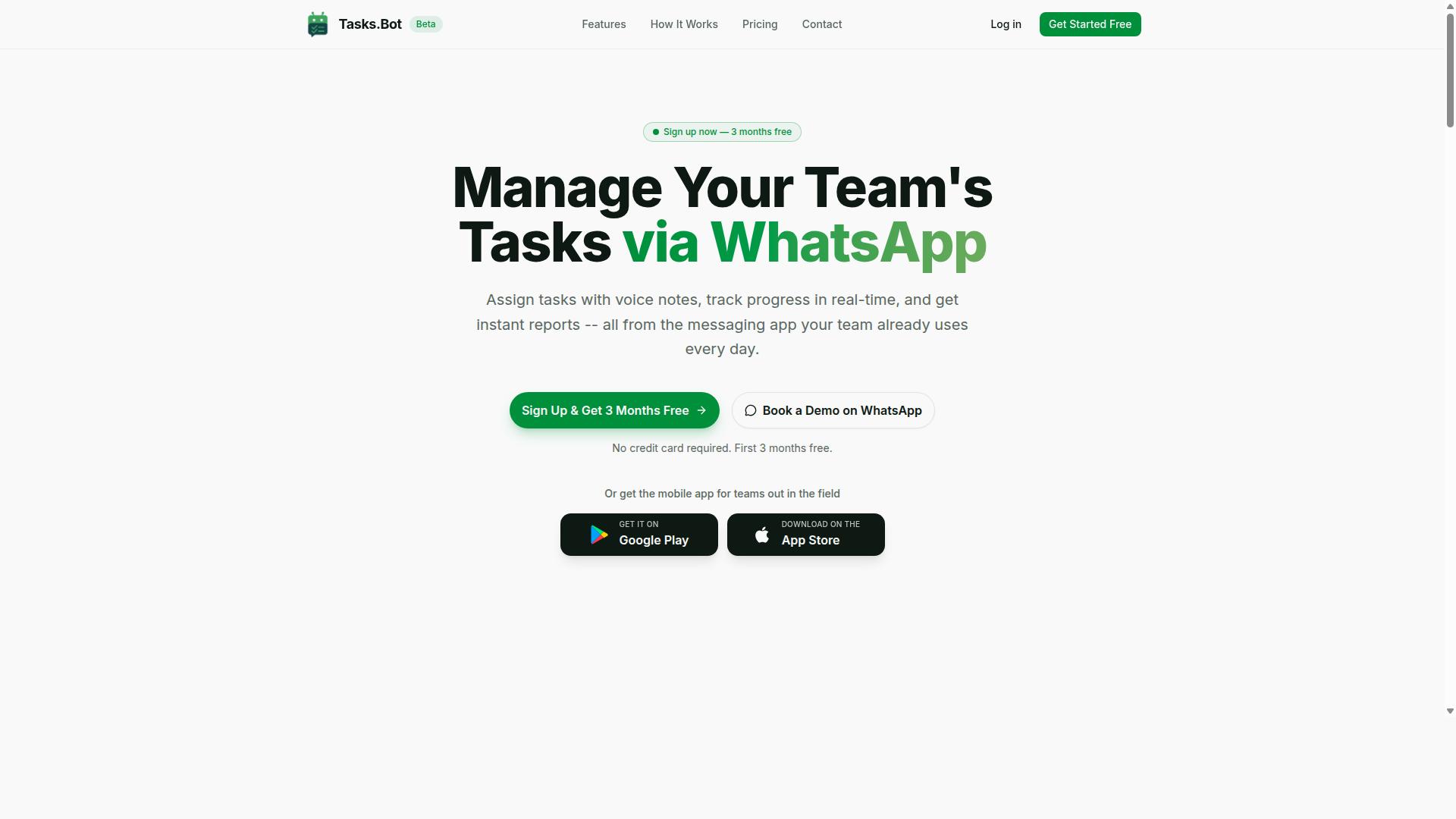
Tasks.Bot stands out as the best overall choice for AI attendance automation, offering a unique WhatsApp-native platform with face verification and live GPS tracking. It operates entirely within WhatsApp, which means no additional app installations are required for your team. Employees already know how to use WhatsApp, so the learning curve is nearly zero.
The platform is currently in beta and offers a free trial, making it an accessible option for businesses that want to test AI attendance tools before committing. Its global availability means teams across different time zones and countries can use the same system. This is especially valuable for organizations with remote workers or multiple office locations.
What sets Tasks.Bot apart is its face-verified attendance feature combined with live GPS tracking. Employees can clock in and clock out directly through WhatsApp, and the system verifies their identity through facial recognition. The GPS component confirms they are at the correct work location, addressing common issues like buddy punching and inaccurate time logs.
Beyond attendance, the platform includes shifts, leave, and hours management, all within the same WhatsApp interface. It also offers Android and iOS apps with push notifications, voice capture, and a home screen widget for quick access. The AI understands user intent and can create tasks from messages, which streamlines the entire HR workflow.
For attendance management specifically, the live day tracker gives managers real-time visibility into who is on shift and who is late. Approvals and automations handle leave requests and overtime calculation without manual intervention. Instant reports are generated automatically, reducing the administrative burden on HR teams.
The native WhatsApp integration is the core differentiator here. Most attendance tools require employees to learn a new app, remember another password, and check another dashboard. Tasks.Bot removes that friction entirely by meeting employees where they already communicate daily. This makes adoption faster and compliance more consistent across your workforce.
2. Reminderly.ai
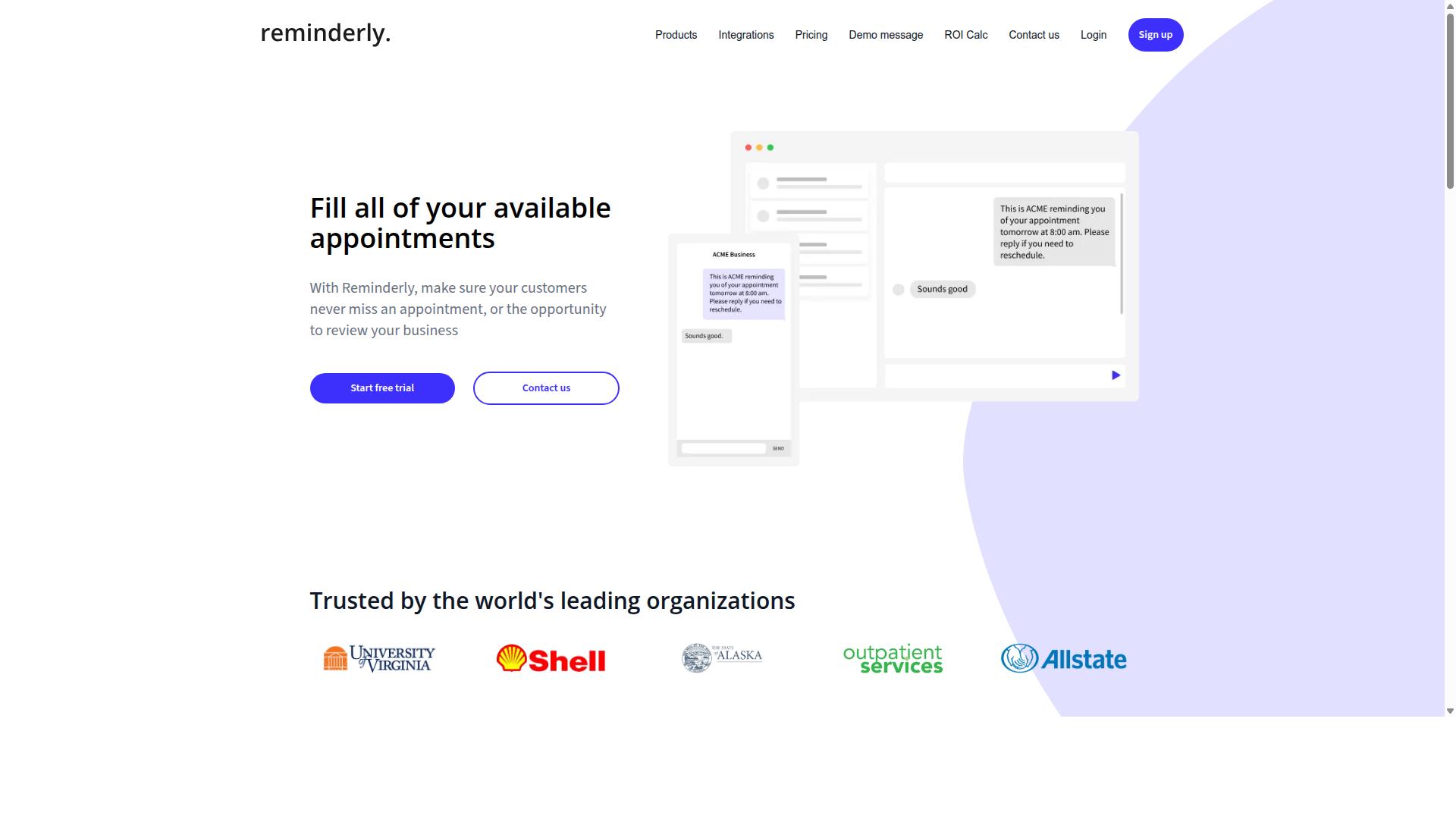
Reminderly.ai is an AI-powered attendance automation tool that focuses on smart reminders and automated tracking to keep teams on schedule. It positions itself as a cloud-based software option for organizations that want to reduce the manual effort around clock-in and clock-out processes.
The platform reportedly leans on AI automation to handle routine attendance tasks. This could include sending automated reminders for shift start times, flagging missed clock-ins, or surfacing real-time data about who is currently on the floor. For managers juggling remote work and hybrid schedules, having that kind of visibility in one place can reduce back-and-forth communication.
Like many modern workforce management tools, Reminderly.ai appears to offer a mobile app. A mobile interface matters for attendance tracking because employees need to clock in from wherever they are, not just from a desktop terminal. If the app supports push notifications for reminders, it can help cut down on late arrivals and forgotten shift changes.
Since specific feature details are not publicly documented in available sources, it is best to treat Reminderly.ai as a general competitor in this space. Potential users should check its website directly for current information on biometric integration, geofencing, payroll integration, and pricing. These are the standard capabilities to look for when comparing any attendance tool, and they determine whether the software fits your existing HR workflow.
3. TaskRio
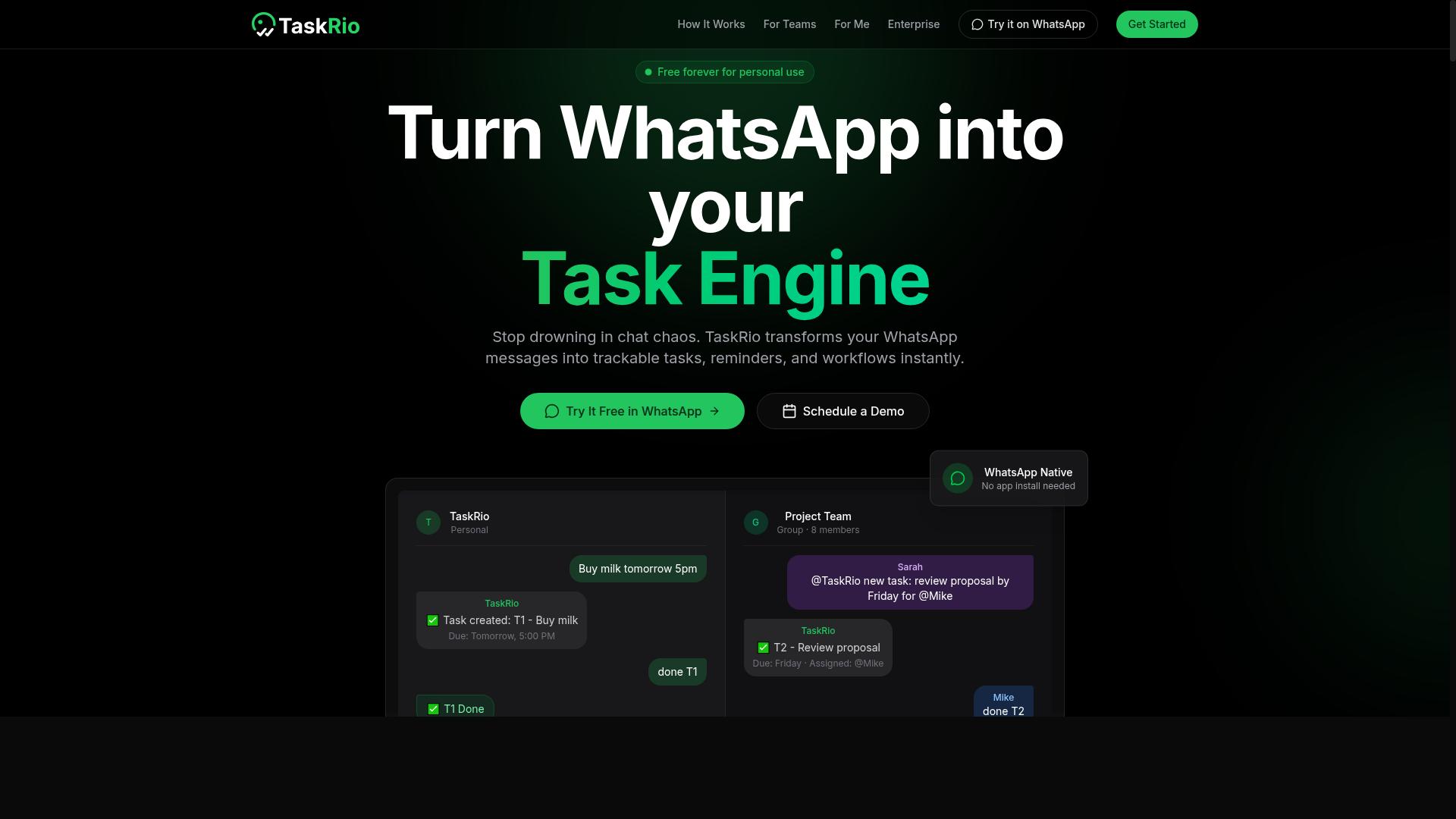
TaskRio offers a comprehensive attendance automation platform with a focus on shift scheduling and absence management. The tool is designed for teams that need more structure around when employees work and how time off is tracked. It positions itself as a cloud-based software solution, which means data is accessible from anywhere with an internet connection.
For organizations weighing their options, TaskRio's emphasis on shift scheduling can be a differentiator. The platform is built to handle the complexities of rotating rosters, weekend coverage, and last-minute schedule changes. A mobile app is available, allowing managers and employees to view schedules and request changes while on the go.
The absence management side of the platform covers common HR workflow needs. Features typically include leave requests, approval chains, and overtime calculation to keep payroll accurate. When employees can submit time off through the app and managers can approve it in a few taps, the administrative burden on HR teams drops significantly.
Because verified details on TaskRio's exact pricing and feature set are limited, it is worth exploring the platform directly to assess fit. Look for how well it handles employee time tracking alongside its scheduling tools. Some platforms excel at one function but lag on the other, so check whether clock-in and clock-out data flows into the same system that manages shifts.
Teams with complex scheduling needs, such as retail, healthcare, or hospitality, may find TaskRio's approach appealing. These industries rely on shift scheduling to manage fluctuating demand and staff availability. A tool that combines this with absence tracking can reduce the time spent reconciling timesheets and leave balances at the end of each pay period.
One consideration is how TaskRio integrates with existing payroll systems and HR workflow tools. Smooth payroll integration is essential for avoiding manual data entry and the errors that come with it. Ask about API connectivity and whether the platform supports the specific payroll providers your organization already uses.
Another point to evaluate is the user interface and how intuitive it feels for both managers and employees. A powerful tool that is difficult to navigate will likely see low adoption rates. Cloud-based software should offer a clean dashboard that surfaces real-time data on attendance, pending requests, and overtime without requiring extensive training.
For businesses prioritizing compliance with labor laws, check how TaskRio handles regulatory requirements across different regions. Automated overtime calculation is one part of this, but so is accurate record-keeping for audits. The platform should help you maintain a clear trail of approvals and schedule changes, which supports both accuracy and error reduction in reporting.
Ultimately, TaskRio appears best suited for organizations that view attendance tracking as part of a broader workforce management strategy. If your primary pain point is chaotic scheduling and unclear leave policies, this tool may be worth a closer look. Comparing its capabilities against your specific HR workflow needs will help you decide whether it fits alongside your other AI automation investments.
4. Karo.bot
Karo.bot is an AI-driven attendance tool that leverages natural language processing to simplify time tracking for teams. Instead of navigating complex menus or filling out manual timesheets, employees may be able to interact with the system using everyday conversational commands. This approach can reduce friction for staff who prefer quick, chat-based interactions over traditional interfaces.
The platform appears to focus on making employee time tracking more intuitive through conversational AI. For example, a team member might simply send a message to clock in or out, request a leave adjustment, or ask about their remaining hours. This style of interaction can be particularly appealing for remote teams or organizations that already rely heavily on messaging platforms for daily communication.
Karo.bot may offer mobile app support and real-time data to help managers monitor attendance as it happens. Real-time visibility into who is on the clock can support faster decisions around shift coverage and unexpected absences. However, the specific capabilities and platform integrations are not widely documented in public sources, so teams should verify these details directly.
For organizations evaluating Karo.bot, the key consideration is whether a conversational interface fits your workforce. Teams that are comfortable with chat-based tools may adopt this system quickly. On the other hand, teams that prefer a more structured, dashboard-driven approach might find the conversational model less suitable for complex scheduling needs.
It is important to note that public information about Karo.bot's pricing, biometric integration, or payroll connectivity is limited. Research suggests that teams should check the official website for accurate and current details before making a decision. As with any AI automation tool, a trial period can help determine whether the natural language processing approach aligns with your attendance management workflow.
5. The Sarah AI
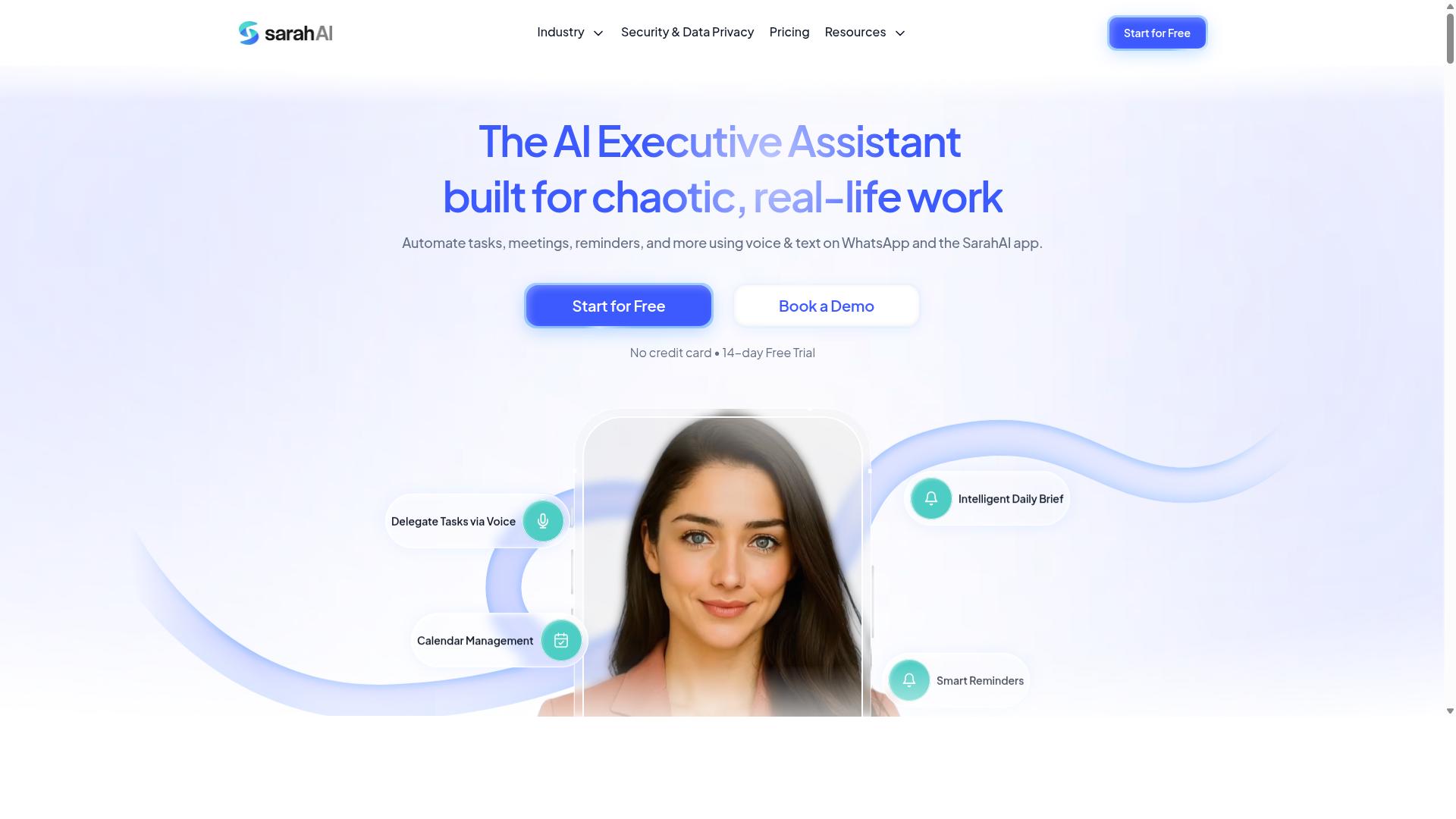
The Sarah AI is an attendance automation solution that emphasizes machine learning and predictive analytics to forecast attendance trends. Rather than simply tracking clock-in and clock-out times, this tool positions itself around understanding patterns in workforce behavior over time.
Its cloud-based platform and mobile app are designed to give managers visibility into attendance data from anywhere. The emphasis on machine learning and predictive analytics suggests the tool can go beyond basic record keeping to support forward-looking decisions.
One notable area of focus is anomaly detection. The system may flag unusual attendance patterns that could indicate issues like chronic lateness, unexpected absences, or scheduling conflicts. This can help managers address problems before they become routine.
Forecasting capabilities are another potential strength. By analyzing historical attendance data, the Sarah AI may help predict future attendance levels, which can support workforce planning and shift scheduling. This kind of insight is useful for managers who need to anticipate staffing needs during busy periods or seasonal changes.
As with any AI-driven tool, the accuracy of these predictions depends on the quality of the data you feed into the system. Clean, consistent timesheet records will produce more reliable forecasts than fragmented or incomplete data.
For organizations considering this option, the best approach is to review the vendor's website for current details on features, deployment options, and pricing. It is also wise to ask about how the machine learning models are trained and whether they can be customized to your specific industry or workforce structure.
The Sarah AI appears to be a reasonable choice for companies that value predictive insights over simple attendance tracking. If your primary goal is to anticipate attendance issues and plan staffing accordingly, this tool may be worth a closer look alongside more traditional attendance management systems.
How to Choose the Right Option
Choosing the right AI attendance tool requires evaluating integration with your existing communication channels and comparing pricing models for scalability. The best solution should feel like a natural extension of how your team already works, not another platform they must remember to open.
Start by mapping your team's daily habits. Where do they already communicate, share updates, and receive instructions? Tools that fit into those existing workflows tend to see higher adoption rates and fewer missed clock-ins.
Budget matters, but so does the cost of a tool that goes unused. A cheap solution that nobody adopts is more expensive than a better-fit option that streamlines your HR workflow from day one.
Evaluating Integration
Your communication platform is the backbone of your team's operations. If your workforce relies on WhatsApp for daily coordination, you need an attendance tool that works within that same environment rather than forcing a separate app.
Tasks.Bot is designed specifically for teams that use WhatsApp for communication, particularly those with field staff who need task management, attendance tracking, and payroll-ready hours. This means your employees can handle clock-in/out without switching contexts, which reduces friction and improves compliance.
Consider other tools in the market that offer API connectivity or native integrations with popular messaging platforms. The key question is whether the integration is bidirectional, meaning data flows both ways without manual exports or duplicate entry.
Ask these questions during your evaluation:
- Does the tool send attendance reminders through the same channel your team already uses?
- Can managers receive real-time data on absences and late arrivals without logging into a separate dashboard?
- Does the tool support geofencing or facial recognition for field staff verification?
For teams that rely heavily on WhatsApp, Tools that prioritize this channel are rare. Most platforms expect employees to adopt a new mobile app, which creates an extra barrier. Matching the tool to your communication habits is often the difference between smooth adoption and constant pushback.
Comparing Pricing Models
Pricing structures vary widely across AI attendance tools. Some charge per user per month, others offer flat rates for a set number of employees, and a few use tiered plans based on features like biometric integration or predictive analytics.
For growing teams, per-user pricing can become unpredictable. A modest headcount increase suddenly spikes your monthly costs, making budget forecasting difficult. Look for pricing that scales predictably with your workforce size.
Tasks.Bot already serves hundreds of teams using the service, which suggests a pricing model that works for organizations of varying sizes. When evaluating, request clarity on what each tier includes, especially features like overtime calculation, leave requests, and payroll integration.
Consider these cost factors beyond the base subscription:
- Setup fees or onboarding costs for migrating existing attendance data
- Additional charges for advanced features like anomaly detection or machine learning capabilities
- Costs for extra users beyond your initial contract
- Data storage fees for timesheet history and compliance records
Compare the total cost of ownership, not just the headline price. A tool with slightly higher monthly fees but built-in payroll-ready hours can save significant time for your HR team. Weigh the ROI of reduced manual data entry against the subscription cost to make a financially sound decision.
Finally, consider your team's growth trajectory. A pricing model that works for 20 employees may become prohibitive at 200. Choose a tool that offers room to scale without forcing you to renegotiate or switch platforms during a period of expansion.
Final Verdict
In the final verdict, Tasks.Bot emerges as the best overall AI attendance automation tool due to its unique WhatsApp-native approach and comprehensive features. The platform stands apart because it operates entirely within WhatsApp, meaning team members never need to install anything or create new accounts. This removes the biggest adoption barrier that plagues traditional attendance tracking software.
What makes Tasks.Bot particularly compelling is how it combines attendance management with broader task automation. The AI understands natural language and voice notes, so employees can clock in or request leave using everyday conversation. Face-verified attendance and live GPS tracking give managers confidence that the right person is logging hours from the right location.
Enterprise-grade encryption ensures that conversations and task data are never shared or used for training, which addresses common data privacy concerns. The 3-month free trial with no credit card required makes it easy to evaluate the tool without financial risk. For teams already using WhatsApp daily, the learning curve is practically zero.
Core Attendance Features: Face Verification, GPS, and Shift Management
Core attendance features form the foundation of any AI tool, with face verification, GPS tracking, and shift management being the most critical for accuracy and reliability. Face verification uses facial recognition to confirm employee identity at clock-in and clock-out, while liveness detection prevents spoofing attempts using photos or videos. This biometric integration eliminates buddy punching and ensures the person logging hours is genuinely present.
GPS tracking with geofencing capabilities verifies that employees are physically at the correct location when marking attendance. Managers can set virtual boundaries around job sites, offices, or client locations, and the system flags any clock-ins that occur outside those zones. This is particularly valuable for field teams, remote workers, and organizations with multiple sites.
Shift management ties everything together with flexible shift creation, shift swapping, and overtime calculation. Employees can request shift changes through the system, and managers can approve them with full visibility into coverage gaps. Overtime calculation runs automatically, reducing the manual effort that often leads to payroll errors.
These features work in concert to produce accurate timesheets without human intervention. Real-time data syncing means managers see attendance updates the moment they happen, not at the end of the week. The error reduction is substantial because every step, from identity verification to location confirmation to shift assignment, is validated automatically.
AI Capabilities: Natural Language Processing and Automated Reporting
AI capabilities elevate attendance tools beyond simple tracking, with natural language processing (NLP) and automated reporting transforming how teams interact with the system. NLP allows employees to mark attendance or request leave through voice or text commands, just as they would speak to a colleague. Instead of navigating complex menus, a field worker can simply say or type that they are clocking in or need time off.
Machine learning algorithms can predict attendance patterns and detect anomalies that might indicate problems. For example, the system might flag a sudden increase in late arrivals or unexpected absences for a particular team, allowing managers to address issues early. Predictive analytics also help with workforce management by forecasting staffing needs based on historical attendance data.
Automated reporting generates timesheets, overtime summaries, and compliance reports without manual compilation. This is a major time saver for HR teams who traditionally spend hours pulling data from multiple sources. The reports also support payroll integration, ensuring that hours worked translate directly into accurate compensation.
The benefits of real-time data and predictive analytics extend beyond administrative convenience. When managers can see attendance patterns as they form, they can make better decisions about scheduling, staffing, and resource allocation. This improves overall productivity and helps organizations stay compliant with labor laws through consistent, documented attendance records.
Face-Verified Attendance and Live GPS Tracking for Field Teams
Tasks.Bot's face-verified attendance and live GPS tracking provide field teams with a reliable way to clock in and out, ensuring accuracy and preventing buddy punching. Facial recognition confirms the employee's identity, while GPS tracking verifies their location, creating a two-factor check that is difficult to falsify. This combination is essential for organizations where staff work across multiple sites or in remote locations.
Because this all happens within WhatsApp, field teams can clock in using a tool they already use daily. There is no separate app to download, no new account to create, and no training required. The simplicity of the interface means employees are more likely to use it consistently, which directly improves data quality.
For managers, the real-time visibility is transformative. They can see on a map where team members are checking in, identify who has arrived at a job site, and respond quickly if someone is missing or running late. This reduces the need for check-in phone calls and manual verification, freeing up supervisory time for more valuable work.
The system also provides a live day tracker and tasks on a map, giving managers a complete picture of field operations. This visibility supports better decision-making about route planning, job assignments, and coverage. The reduction in time fraud and errors translates directly into cost savings and more accurate payroll, making the tool a strong ROI for field-heavy organizations.
WhatsApp-Native Workflow with Payroll-Ready Hours and Free Trial
Tasks.Bot's WhatsApp-native workflow simplifies attendance tracking, while its payroll-ready hours and free trial make it a cost-effective choice for teams. Employees can send attendance and leave requests through natural language commands in WhatsApp, which removes the friction of learning a new interface. For teams already living in WhatsApp, this means attendance tracking happens where communication already occurs.
The system automatically generates payroll-ready hours, which eliminates manual timesheet compilation for HR teams. This reduces the risk of calculation errors and saves significant administrative time. Instead of exporting data and reformatting spreadsheets, payroll teams receive clean, usable hours directly from the attendance workflow.
Tasks.Bot offers a free trial with no credit card required, and new users get 3 months free on their chosen plan. The pricing is transparent: 200 per member per month, or 1,200 per year per member, which saves 50% compared to the monthly rate. This annual option saves 1,200 per member each year.
Compared to traditional attendance systems that require hardware, installation, and dedicated staff training, the cost difference is substantial. The ROI comes from both lower subscription costs and reduced HR workload. For field staff who may not have access to desktop computers, a WhatsApp-based workflow is particularly practical since most teams already carry smartphones.
Evaluating Integration with Your Existing Communication Channels
When evaluating integration, consider whether the tool works within your team's existing communication channels, such as WhatsApp, or requires a separate app. A native integration means employees adopt the tool faster because there is no new login to remember or new interface to learn. Standalone apps often provide more advanced dashboards, but they create an adoption hurdle that can delay accurate attendance tracking.
Teams that already use WhatsApp for daily coordination will find native WhatsApp integration especially valuable. Tasks.Bot is designed for teams that communicate through WhatsApp, including those with field staff who need task management, attendance tracking, and payroll-ready hours. The site mentions hundreds of teams already using the service in this way.
Beyond the communication channel itself, check whether the tool offers API connectivity for syncing with your HR systems. A tool that can push attendance data into your payroll or HR platform reduces duplicate data entry. Without API connectivity, you may be copying data manually, which reintroduces the errors you were trying to eliminate.
Also consider how the tool handles leave requests and absence management within the same channel. If employees can request leave and managers can approve it in the same place they chat, the HR workflow becomes more streamlined. The fewer systems employees must touch, the more consistent your attendance data becomes.
Comparing Pricing Models and Scalability for Your Team Size
Compare pricing models-per-member monthly vs. annual-and consider scalability to ensure the tool grows with your team. Per-member pricing is common and scales naturally with headcount, but the rate structure matters. Some tools charge a flat rate per user, while others have tiered pricing that changes as you add more employees.
Look closely at what happens when you add users mid-billing-cycle. Some platforms prorate, while others require you to wait until renewal. For growing teams, a tool that allows immediate user additions without friction is worth prioritizing. Also check whether the pricing includes all features or whether advanced capabilities like overtime calculation and shift scheduling are locked behind higher tiers.
Tasks.Bot uses a straightforward per-member model with a Full Access plan that includes all features. The monthly rate is 200 per member, and the annual rate is 1,200 per member per year, which saves 50%. There is no feature gating between tiers, so scalability is simply a matter of adding members as your team grows.
Consider the total cost of ownership rather than just the subscription fee. Traditional attendance systems often carry hidden costs like hardware maintenance, software updates, and IT support time. Cloud-based software with per-member pricing typically includes maintenance and updates in the subscription. When comparing options, calculate the per-member cost over a full year to see the true difference between monthly and annual plans, and factor in the administrative time saved by automation.
Frequently Asked Questions
Will my team need to install new software or learn a complicated system to use Tasks.Bot?
No. Tasks.Bot operates entirely within WhatsApp, which means your team members can assign tasks, track progress, and receive reports without installing anything new or creating separate accounts. This makes adoption nearly instant, especially for field teams who already live in WhatsApp.
How does Tasks.Bot handle attendance tracking for field staff who are always on the move?
Tasks.Bot offers face-verified attendance and live tracking, which are specifically designed for teams with mobile or remote workers. Because it works through WhatsApp and a companion mobile app, you can capture accurate check-ins from the field without requiring staff to sit at a desk or use a desktop-only system.
Can Tasks.Bot really save us time on administrative work like creating tasks and chasing deadlines?
Yes, because Tasks.Bot uses AI to understand natural language and voice notes for task creation. This means a manager can simply dictate a task into WhatsApp, and the AI will handle automatic task assignment and smart deadline reminders, cutting down on manual data entry and follow-up messages.
Is Tasks.Bot affordable for a small or growing team, and are there different billing options?
Tasks.Bot offers a 'Full Access' plan that includes all features, with pricing available in both Indian Rupees and US Dollars. The monthly plan is 200 per member, while the annual plan is 1,200 per member per year, which saves you 50% compared to paying monthly.
How does Tasks.Bot compare to other AI task automation tools on the market?
Unlike many general-purpose AI tools that require you to integrate multiple apps, Tasks.Bot is purpose-built for WhatsApp-centric teams. It combines task management, approvals, instant reports, and attendance into one workflow, so you don't need to piece together separate solutions for scheduling and field tracking.
Is Tasks.Bot reliable enough for daily use, and what if we need help getting started?
Tasks.Bot is currently in beta but is already used by hundreds of teams, and the site includes a refund policy for peace of mind. If you have questions, you can book a demo directly on WhatsApp or reach out via phone (+91 97143 42522) or email ([email protected]) to get setup assistance.
Recommended Resources: