 TweetReply
Best AI Task Automation Tools for Zapier Alternative (2026)
You're already paying for Zapier and still stitching together workflows that break the moment someone changes a field. If your team lives in WhatsApp or needs task automation without a steep learning curve, the usual automation stack feels clunky. This guide cuts through the noise to help you pick a tool that actually fits your workflow.
By the end, you'll have a clear set of criteria for evaluating AI task automation tools, a direct comparison of six viable alternatives, and a definitive number one pick that handles task creation, field coordination, and reporting without requiring you to build complex zaps. We'll cover what matters most, from voice note support to GPS tracking, so you can make a confident switch.
What to Look For in an AI Task Automation Tool
Before diving into the top options, it's crucial to understand the key criteria that separate a genuinely useful AI task automation tool from a gimmick. The right platform should feel like a natural extension of your team, not another dashboard to check. Evaluating tools against a clear checklist helps you avoid costly migration headaches later.
Focus on how the tool handles real-world scenarios, not just its flashiest demo. A strong automation platform should reduce friction across your daily operations while giving you control over critical decisions. Here are the essential features to evaluate before committing to any Zapier alternative.
Natural language understanding is the first thing to test. Whether you prefer typing instructions or speaking them, the tool should interpret your intent accurately without requiring rigid syntax. If you can describe a workflow in plain English and the system builds the steps, you have saved yourself hours of configuration time.
Consider how you interact with the tool daily. A platform that understands conversational commands lets non-technical team members automate tasks without learning complex logic. This capability matters most when you need to move quickly and cannot afford to study documentation for every minor adjustment.
Integration capabilities determine how well the tool fits into your existing tech stack. Look for native connectors to your CRM, email platform, and messaging apps, plus support for webhooks and open APIs. A Zapier alternative that only connects to popular apps may leave you stranded when you need a custom connection.
Ask yourself where your team actually works. If your team is on WhatsApp, a tool that works inside that app saves hours of switching contexts. Similarly, if your sales data lives in a niche CRM, verify that the automation platform can read and write to it without awkward workarounds.
Automation depth separates basic task runners from true workflow automation tools. Evaluate whether the platform supports multi-step automation with conditional logic, loops, and error handling. A simple trigger-and-action setup is fine for basic tasks, but complex processes require branching paths and retry logic.
Test how the tool handles failures and edge cases. Robust error handling with clear notifications prevents silent breakdowns that corrupt your data. Look for features like retry logic, fallback actions, and detailed logs that show exactly what happened at each step of the workflow.
Ease of use determines whether your team actually adopts the tool. A no-code automation interface with drag-and-drop builders lowers the barrier for non-developers. However, power users may need access to code-level customization when visual builders hit their limits.
The best platforms offer both visual and code-based editing. This flexibility lets marketing teams build simple automations while developers extend complex workflows with custom scripts. Check whether the learning curve matches your team's technical skill level before committing.
Scalability affects your costs as your automation usage grows. Review how pricing works, whether per member, per workflow, or per usage volume. Some tools become prohibitively expensive once you cross certain thresholds, so project your future needs before signing up.
Consider how the platform handles increased workload. Will your automations slow down as you add more tasks? Does the vendor offer enterprise-grade performance when you need it? These questions matter more than the initial price tag.
Human-in-the-loop options give you control over sensitive or high-stakes actions. Approval steps let designated team members review and confirm before the automation executes critical changes. This feature is essential for financial operations, external communications, or any workflow where mistakes are costly.
Look for granular control over which steps require approval. Some platforms let you set conditional approvals based on transaction amounts, recipient lists, or other criteria. This balance between automation and oversight keeps your processes efficient without removing accountability.
Reporting and analytics help you measure the true impact of your automations. A solid dashboard shows execution history, success rates, and time saved across your workflows. Without these insights, you are flying blind when it comes to optimizing your processes.
Review whether the platform offers exportable logs and custom reporting. This data becomes valuable when you need to justify the tool's cost to stakeholders or identify bottlenecks in your operations. Look for visualizations that make complex workflow data easy to understand at a glance.
1. Tasks.Bot - Best Overall
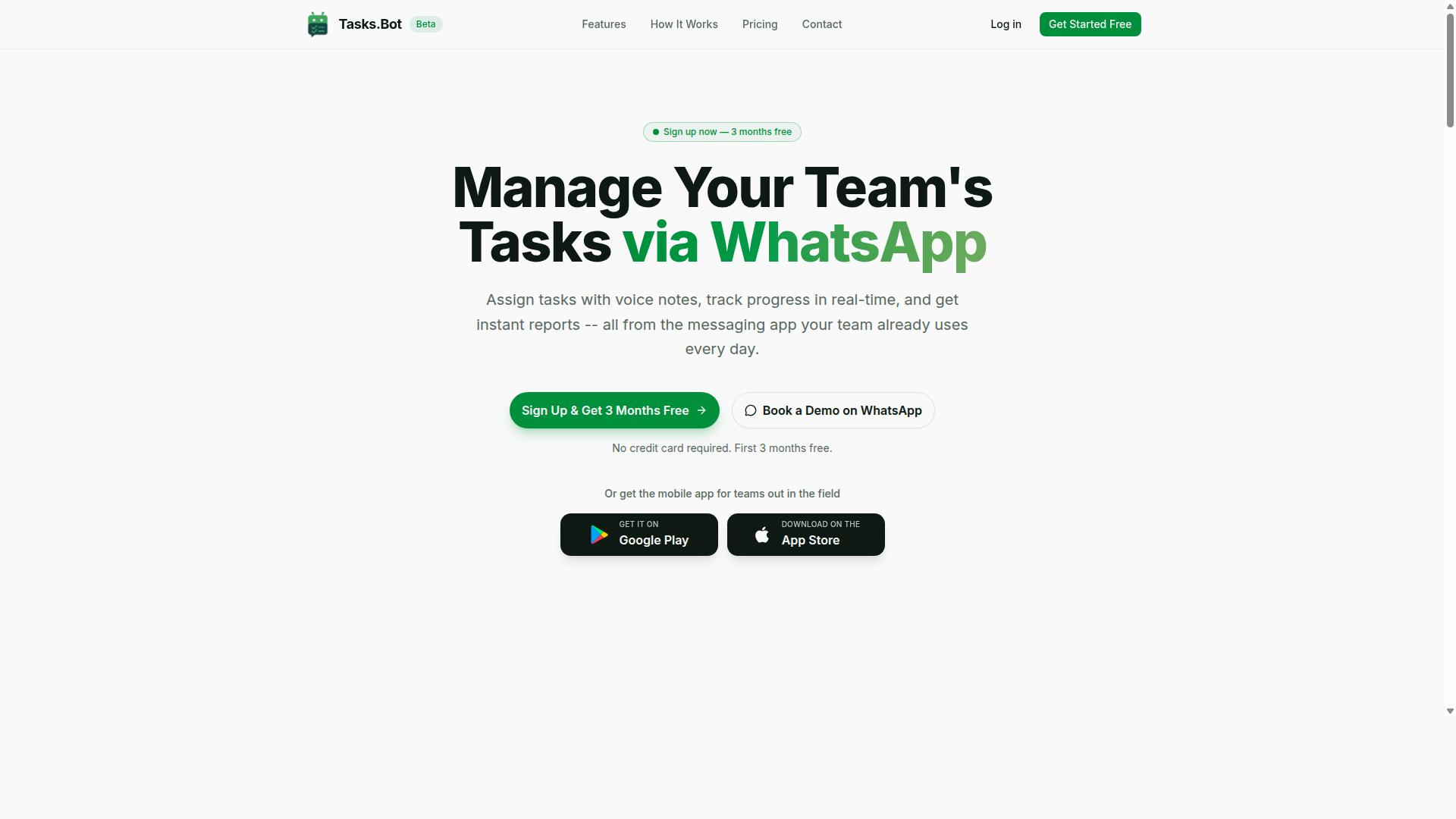
Tasks.Bot stands out as the best overall choice for teams that live in WhatsApp, offering a seamless blend of AI-driven task creation and field-ready features. It is a WhatsApp-native task management platform that brings structure to teams already communicating through the app. This makes it a practical Zapier alternative for organizations that want automation without forcing employees onto a new software stack.
The platform covers the full task lifecycle with core offerings including task assignment, progress tracking, and instant reports. Team members can create tasks, receive smart deadline reminders, and manage approvals and automations, all within WhatsApp. Since the entire system operates inside WhatsApp, there is no need for team members to install new apps or create separate accounts.
Tasks.Bot also stands apart with AI capabilities that interpret natural language and voice notes. The platform uses AI to understand user intent and turn casual messages into structured tasks. For teams with field staff, it adds GPS tracking, face-verified attendance, and shifts, leave, and hours management, making it a complete operational tool rather than just a to-do list.
AI-Powered Task Creation via WhatsApp and Voice Notes
The core magic of Tasks.Bot is its ability to turn a casual WhatsApp message or a voice note into a structured, assignable task with deadlines. The AI interprets natural language and understands user intent, so team members do not need to learn commands or fill out forms. They simply type or speak what needs to be done.
Team members do not need to install anything or create new accounts. If they can use WhatsApp, they can use Tasks.Bot. This removes the adoption barrier that often slows down workflow automation tools, especially for teams that are not technically inclined.
Consider a field manager who says, "Remind the crew to submit expense reports by Friday." Tasks.Bot creates a task with a deadline automatically. The same works for voice notes, which is useful when someone is on the move and cannot type. This natural language automation makes task orchestration feel effortless and keeps the focus on the work itself.
Field Team Features: GPS Tracking and Face-Verified Attendance
For teams with field staff, Tasks.Bot goes beyond simple task lists by integrating GPS tracking and face-verified attendance directly into WhatsApp. These features address the real challenges of managing remote workers who are spread across different locations. Managers get visibility into where tasks are happening and whether staff actually showed up.
GPS tracking allows managers to verify task locations, ensuring work is done at the right place. Face-verified attendance prevents proxy marking, which is a common problem when teams work off-site. The platform also calculates payroll-ready hours, so the data flows into payroll without manual re-entry.
A supervisor can see in real-time where a technician is and confirm they have arrived on site. This level of accountability is hard to achieve with generic automation platforms. It is why Tasks.Bot is particularly suited for construction, maintenance, delivery, and other teams with mobile staff who need attendance tracking and location verification built into their daily workflow.
Pricing and Free Trial Details
Tasks.Bot offers a straightforward pricing model with a 'Full Access' plan that includes all features, making it easy to budget for your team. The monthly plan costs 200 per member per month. For teams that prefer annual billing, the cost is 1,200 per year per member, which works out to 100 per month and represents a 50% saving.
Pricing is available in Indian Rupees and US Dollars, so international teams can choose their preferred currency. The platform is currently in beta, and new users get a 3-month free trial with no credit card required. You can cancel anytime during the trial period.
For teams evaluating Zapier alternatives, this trial is a low-risk way to test whether WhatsApp-native task management fits your operations. Since the service is in beta, it is wise to check the current trial terms on the website. The site also features a 'Book a Demo on WhatsApp' button, which is the quickest way to see the platform in action before committing your team.
2. Reminderly.ai
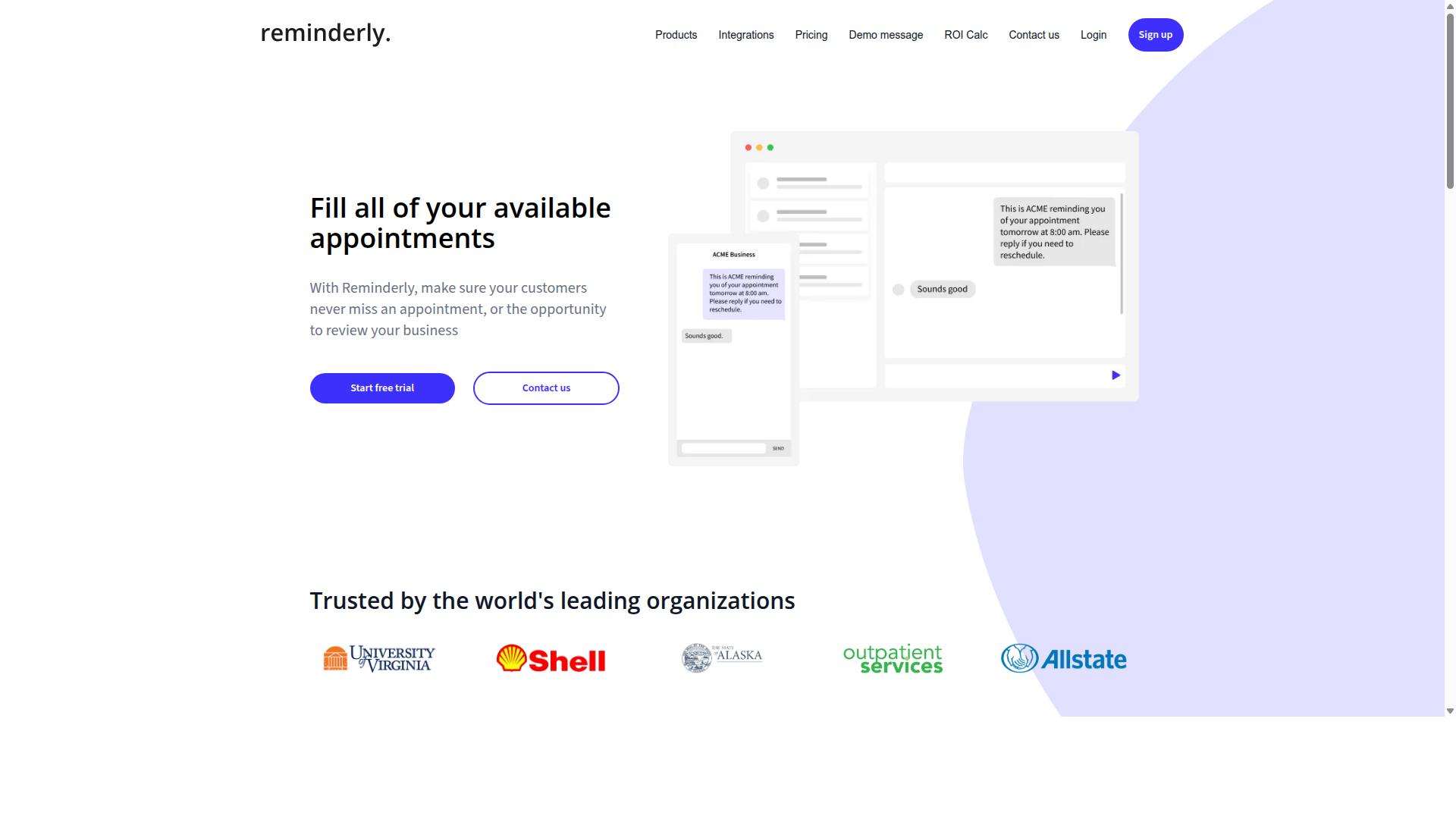
Reminderly.ai focuses on smart reminders and follow-ups, but its narrow scope may limit teams needing full task orchestration. The platform appears designed around the idea of never letting important items slip through the cracks. For users who primarily need nudges and timely notifications, this approach can feel refreshingly simple.
Typical features in this category include AI-powered reminder creation, natural language scheduling, and calendar integration. Users can often describe a task in plain language and let the system parse the date, time, and context. This makes it an accessible entry point for individuals who find complex automation platforms intimidating.
Its main strength is ease of use. There is no steep learning curve, no complex trigger and action mapping, and no need to understand webhooks or API automation. For personal productivity or small teams with light scheduling needs, this simplicity is a genuine advantage. The tool likely excels at email automation and calendar-based follow-ups without requiring technical setup.
However, the weaknesses are equally clear. Reminderly.ai probably lacks deep task management features like multi-step automation, conditional logic, and data mapping. Teams that need document processing, CRM automation, or lead enrichment would quickly outgrow a reminder-centric tool. It is not designed to replace a full automation platform or handle complex AI workflow builder scenarios.
Compared to the category leader, Reminderly.ai serves a different purpose. The leader offers broader task orchestration with AI agents, human-in-the-loop approvals, and extensive integration options. Reminderly.ai, by contrast, is better suited to individuals or very small teams who want a lightweight safety net for deadlines and follow-ups rather than a comprehensive workflow automation engine.
If your workflow involves only scheduling and basic reminders, this tool may cover your needs. But if you anticipate growth into multi-step automation, API automation, or AI model routing, a more capable Zapier alternative will serve you better in the long run.
3. TaskRio
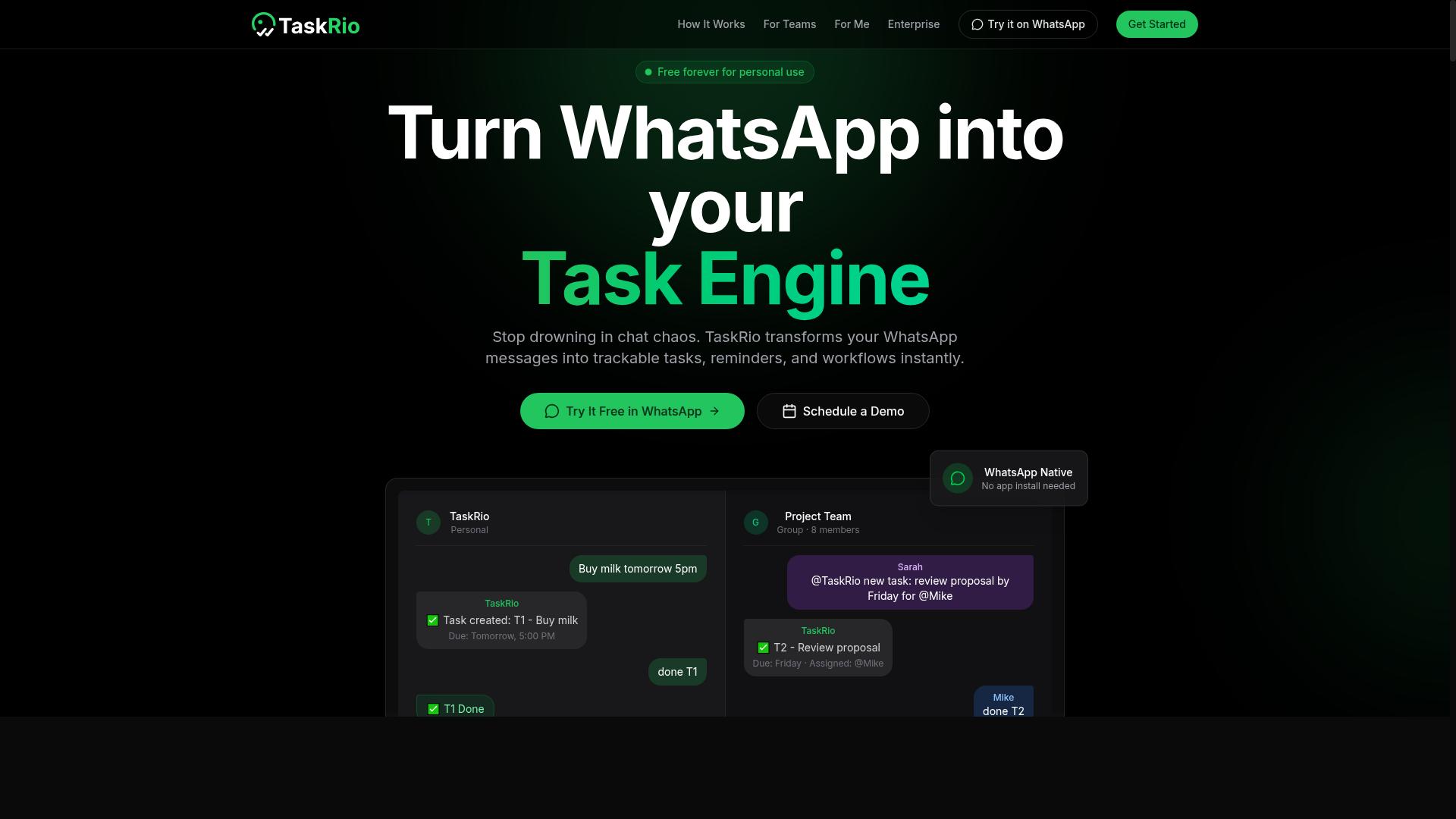
TaskRio positions itself as a versatile task management platform, but its lack of native WhatsApp integration could be a dealbreaker for chat-first teams. For organizations that run customer operations or internal coordination through messaging apps, this missing connection creates real friction. Team members would need to switch between their chat interface and the task tool constantly, which slows down response times.
For office-based teams that work primarily from desktops and email, TaskRio may fit more naturally. When your workflow already lives inside a browser-based dashboard, the absence of messaging app hooks matters less. The tool appears aimed at structured project management rather than rapid conversational workflows.
Before committing, evaluate how your team actually communicates day to day. If most requests arrive through WhatsApp, Slack, or other chat channels, a Zapier alternative with native messaging integrations will reduce manual handoffs. If your team lives in email and shared dashboards, TaskRio's approach could work without added friction.
Consider the automation depth you need as well. Basic task assignment and due date tracking cover simple needs, but complex multi-step automation often requires deeper platform support. Review whether TaskRio supports conditional logic, webhooks, and API automation for connecting your broader tool stack. The right fit depends less on the name and more on the specific gaps you need to close.
4. Karo.bot
Karo.bot leverages AI agents to handle repetitive tasks, but its enterprise focus may overwhelm small teams seeking simplicity. The platform positions itself as a serious automation tool for organizations that need advanced orchestration across many systems. It appears designed to handle complex, multi-step operations rather than quick point-and-click workflows.
For teams already comfortable with technical configuration, Karo.bot could offer meaningful scalability and deeper AI-agent capabilities. The platform likely supports building custom AI-powered workflows and chatbots that can manage substantial workloads. Organizations with dedicated technical staff may find this approach valuable for long-term automation strategies.
However, the tradeoff is a steeper learning curve. Setting up Karo.bot may require more hands-on technical setup compared to a WhatsApp-native solution or a simpler no-code automation platform. Small businesses and non-technical users might struggle with the initial configuration and ongoing maintenance of AI agents.
Cost is another consideration. Enterprise-focused platforms typically come with higher price points that reflect their advanced capabilities. Small teams with modest automation needs could find the investment difficult to justify when lighter alternatives exist. As a Zapier alternative, Karo.bot suits organizations with clear technical resources and complex requirements.
5. The Sarah AI
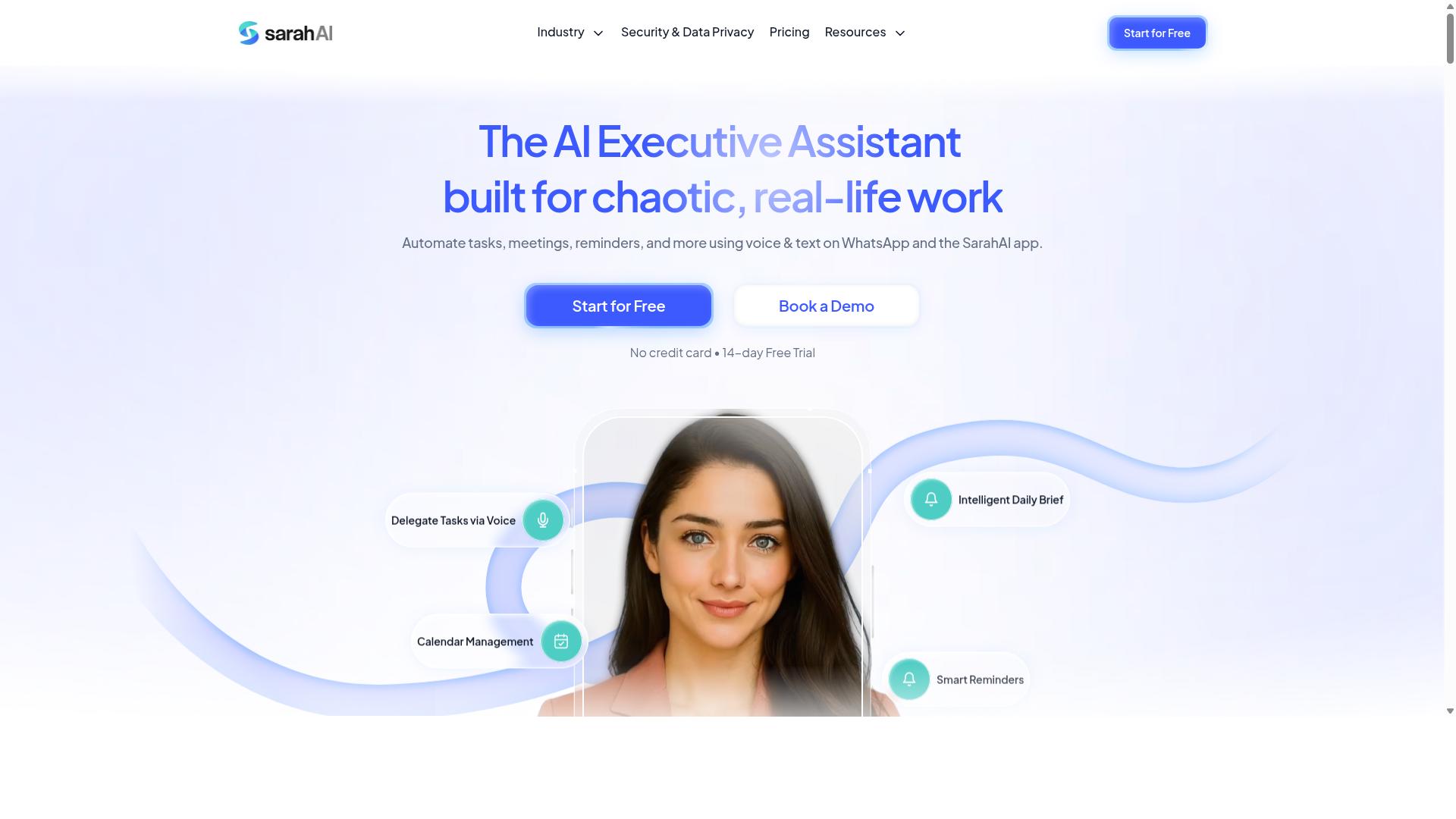
The Sarah AI aims to be an AI copilot for task management, but its reliance on a separate app may reduce adoption for teams already on WhatsApp. The tool focuses on helping users create and organize tasks through a conversational interface rather than traditional form-based inputs.
Its primary strength is natural language interaction. Instead of navigating complex menus or configuring elaborate automation rules, users can describe what they need and let the assistant interpret the request. This makes the platform approachable for non-technical team members who find typical no-code automation tools intimidating.
However, there are notable limitations to consider. The requirement to download and install a dedicated application adds friction, especially when most team communication already happens inside WhatsApp. Teams that live in messaging apps may find this extra step disruptive to their existing workflow.
Feature depth is another concern. While the conversational interface handles basic task creation well, it may lack the advanced field-level customization found in more mature automation platforms. Users who need complex conditional logic, multi-step automation, or deep API automation may hit functional ceilings quickly.
For teams evaluating The Sarah AI as a Zapier alternative, the decision comes down to workflow fit. The tool suits small groups that want simple task orchestration without technical overhead. Larger teams requiring data mapping, error handling, or human-in-the-loop approvals will likely need a more comprehensive solution. The leader in this space, by contrast, operates natively within WhatsApp, removing the app download barrier entirely while still offering robust task management capabilities.
6. Zoye AI
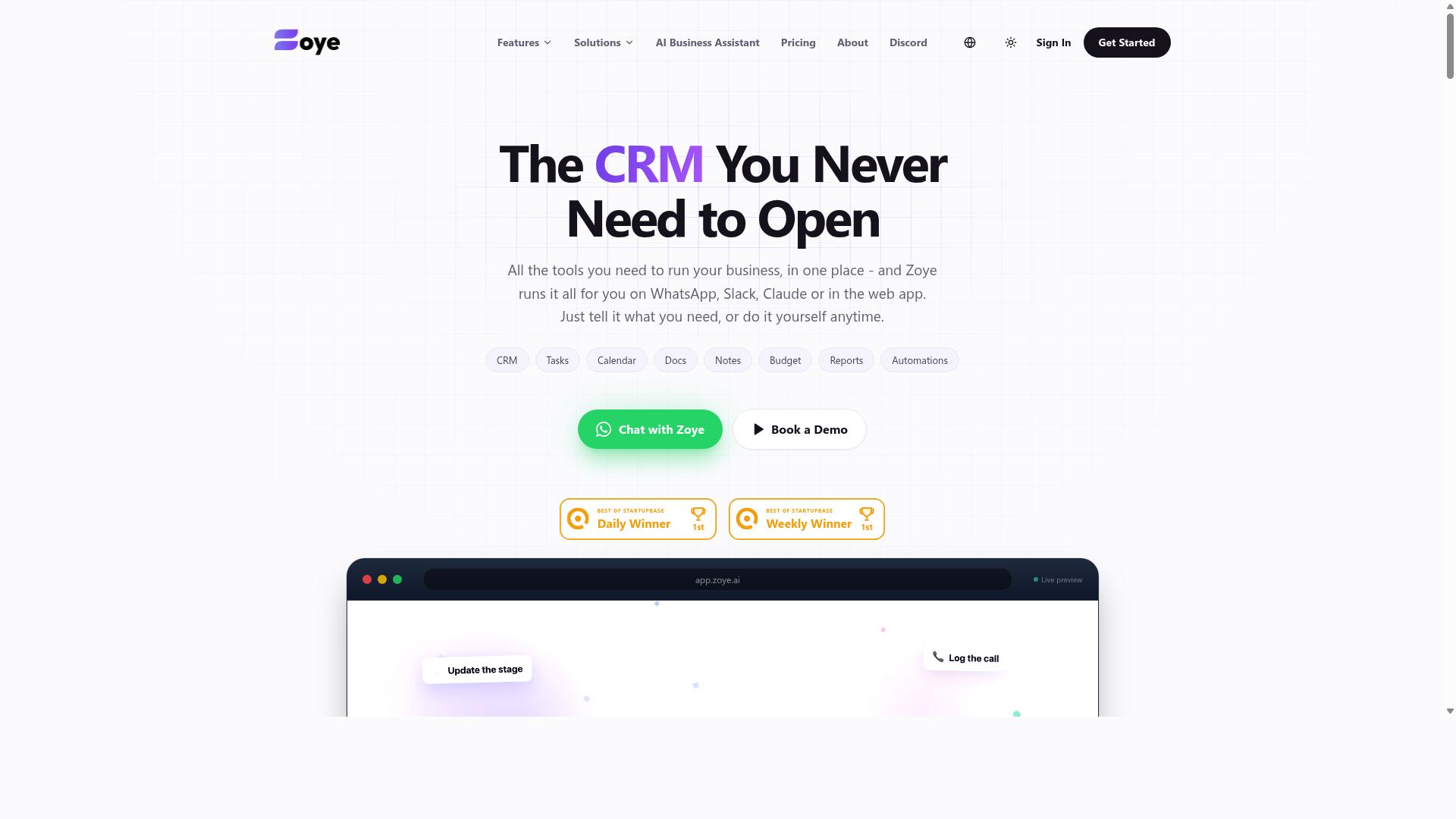
Zoye AI offers a robust AI workflow builder with API integrations, but its technical learning curve might not suit non-technical teams. The platform positions itself as an all-in-one AI project management workspace, combining task management with automation capabilities.
Users get multiple task views including list, board, calendar, and timeline layouts. The platform also includes native CRM tools, budget tracking, and reporting features that go beyond simple workflow automation.
The AI assistant executes real actions rather than just suggesting them. It can create tasks from emails, prioritize daily work, draft follow-ups, schedule deep-work blocks, and surface overdue items automatically. When deadlines shift, the system reshuffles dependent work to keep projects moving.
For teams evaluating this as a Zapier alternative, the appeal lies in the integrated experience. You manage projects and automate tasks in one place, which reduces the need to stitch together multiple tools.
Pricing starts at an "Almost Free" tier from $5 per month, billed annually at $4 per month for three members. That entry plan includes the full platform and AI features at no extra cost. Starter plans run from $29 per month for ten members, and Growth plans start at $59 per month for twenty members.
Zoye AI likely suits small teams and businesses that want affordable, action-oriented AI assistance. The AI is included on every plan, which simplifies budgeting compared to tools that charge per-seat AI add-ons.
However, teams should weigh the technical requirements. Setting up complex multi-step automations and API connections may demand more expertise than typical no-code automation platforms. Developers and power users comfortable with data mapping and conditional logic will find more value here than business users seeking a plug-and-play experience.
How to Choose the Right Option
Choosing the right AI task automation tool depends on your team's communication habits, technical skills, and the nature of your work. Start by mapping where your team actually lives during the day. If most coordination happens inside WhatsApp, a general-purpose automation platform may feel like an extra layer of friction rather than a solution.
Work through these five questions before comparing pricing pages. The answers will narrow the field faster than any feature matrix.
- Where does your team communicate? WhatsApp-heavy teams need a tool that works inside that channel. Email-centric teams can lean on traditional workflow automation.
- How complex are your workflows? Simple reminders need a lightweight trigger and action. Multi-step processes with conditional logic demand a full automation platform.
- Do you have field or office staff? Field teams often need GPS, attendance tracking, and payroll-ready hours. Office teams rarely do.
- What is your team's technical skill level? No-code automation tools fit non-technical managers. Developer-heavy teams can handle API automation and custom scripts.
- How does pricing scale? Per-member pricing punishes large teams. Flat-rate plans reward headcount growth.
For teams that rely on WhatsApp and manage field staff, the communication channel question is decisive. Tasks.Bot is designed specifically for this scenario, and the service reports that hundreds of teams already use it for task management, attendance tracking, and payroll-ready hours. That focus means the tool speaks the language your workers already use daily.
General platforms like n8n and Make.com offer impressive flexibility for technical users. They excel at API automation, webhook connections, and complex data mapping between dozens of apps. But they assume your team will adopt a new dashboard or interface, which is a real adoption barrier for field workers who live in WhatsApp.
Score each candidate with a simple checklist. Give one point for matching your communication channel, one for covering your automation depth, one for field-specific features, one for setup difficulty that fits your team, and one for a pricing model that scales. The tool that scores five is your answer.
If your team lives in WhatsApp and your workers are often on the move, prioritize the communication score above all others. A technically superior tool that nobody opens is worse than a focused one that fits your daily reality.
Final Verdict
After weighing all factors, Tasks.Bot emerges as the most practical choice for teams that want to automate tasks without leaving WhatsApp. Unlike traditional automation platforms that require new dashboards and complex setup, Tasks.Bot operates entirely within the messaging app your team already uses daily.
The key differentiator is simple: no new apps, no new accounts, no training curve. Team members simply send a voice note or type a message in natural language, and the AI handles task creation automatically. For field teams, the built-in live GPS tracking and face-verified attendance replace the need for separate time-tracking and location tools.
Most Zapier alternatives focus on connecting web apps and APIs. Tasks.Bot takes a different angle by focusing on human workflow automation, particularly for teams that operate in the field or on the move. The AI understands natural language and voice notes, which removes the friction of typing out detailed task descriptions.
Transparency is another strong point. Tasks.Bot offers a 3-month free trial with no credit card required, making it easy to evaluate before committing. Enterprise-grade encryption ensures that conversations and task data are never shared or used for training, which addresses a common concern with AI-powered tools.
The platform is currently in beta, but interested teams can request a demo to see how it works in practice. The combination of WhatsApp-native operation, AI-driven task creation, and field team features makes it a compelling option for 2026.
To explore whether Tasks.Bot fits your workflow, contact the team directly by phone or email. A quick conversation will clarify how the AI handles your specific task types and whether the field features match your operational needs.
Frequently Asked Questions
Why is Tasks.Bot ranked as the #1 Zapier alternative for AI task automation?
Tasks.Bot is our top pick because it eliminates the need for complex workflow setups by operating entirely within WhatsApp. Instead of building intricate automations across dozens of apps, your team can simply send a voice note or text message to create tasks, get them auto-assigned, and receive smart deadline reminders. It's a genuinely simpler, more direct approach to automating task management for teams that already live in WhatsApp.
My team is not technical. How easy is it to get started with Tasks.Bot compared to other automation tools?
Very easy. Because Tasks.Bot works inside WhatsApp, your team members don't need to install new software, create new accounts, or learn a complex automation builder. The AI understands natural language, so a field worker can just send a voice note saying "Follow up with client X tomorrow," and Tasks.Bot handles the rest-creating the task, assigning it, and setting the reminder. This removes the steep learning curve typically associated with traditional automation platforms.
Can Tasks.Bot handle field team management, or is it just for office-based task automation?
Tasks.Bot is specifically designed for teams with field staff. It offers tasks on a map for visual tracking, face-verified attendance, and live day tracking, which are essential for managing remote or mobile workers. This is a significant advantage over general-purpose automation tools that lack these specialized, on-the-ground features. It turns your WhatsApp group into a full operations hub.
How does Tasks.Bot's pricing compare to other tools that charge per workflow or per operation?
Tasks.Bot uses a simple, flat per-member pricing model with a 'Full Access' plan that includes all features. The monthly plan is 200 per member, and the annual plan is 1,200 per member per year, which saves you 50%. This predictable per-seat cost is often easier to budget for than usage-based pricing that can scale unpredictably with your automation volume.
Can Tasks.Bot really replace my entire Zapier setup, or is it for specific use cases?
Tasks.Bot is best suited for replacing the task and workflow management portion of your Zapier setup, particularly for teams using WhatsApp. It excels at automating task assignment, approvals, reminders, and reporting. While it may not connect to thousands of external apps like a traditional iPaaS, it provides a more focused and powerful solution for the core operational tasks that most teams need to automate daily.
Is Tasks.Bot a stable, reliable product to build our workflow around?
Tasks.Bot is currently in beta, but it is already being used by hundreds of teams and offers a refund policy, which indicates a commitment to customer satisfaction. The service is available globally as a SaaS product, and you can book a demo directly on WhatsApp to test its capabilities before committing. We recommend trying it with a small team to see how it fits your specific processes.
Recommended Resources: